
Editor’s Note: This piece was developed using AI-assisted research and drafting to ensure data precision and speed. It has been reviewed, edited, and fact-checked by Wolf Bishop to ensure it meets our standards for strategic depth and lived experience.
Key Takeaways
- Definition of Agentic AI: Moving beyond simple text generation to autonomous goal-oriented action.
- Back-Office Transformation: Automation of multi-step processes like invoicing, scheduling, and data reconciliation.
- Operational Efficiency: Reducing human oversight by allowing AI to self-correct and coordinate between specialized tasks.
- Scalability for SMBs: Enabling small teams to handle enterprise-level workloads without increasing headcount.
- Strategic Shift: Moving staff from repetitive "data moving" roles to high-value decision-making and creative strategy.
For years, the conversation around AI in the workplace centered on "Generative AI", the ability of a machine to write an email, summarize a meeting, or generate an image. While impressive, these tools are inherently reactive. They wait for a prompt and provide a static output.
The next evolution, and the one that will fundamentally restructure Small and Medium-Sized Businesses (SMBs), is Agentic AI. Unlike its predecessors, Agentic AI doesn’t just talk; it does. It is designed to pursue complex goals, break them down into actionable steps, and execute those steps across various software platforms with minimal human intervention.
For the back office, the engine room of your business, this represents a shift from "tools that help" to "digital employees that execute."
The Core Difference: Chatbots vs. Agents
To understand why this matters for your business, you must distinguish between a standard ai helpdesk bot and an AI Agent.
A standard bot uses Natural Language Processing (NLP) to answer a question: "What is the status of my invoice?" The bot looks at a database and replies.
An Agentic AI system handles the goal: "Reconcile all outstanding invoices for Q1." To do this, the agent must:
- Access the accounting software.
- Identify discrepancies between purchase orders and payments.
- Contact vendors for missing documentation.
- Update the ledger.
- Flag only the irreconcilable errors for a human manager.
This transition from answering to acting is why ai automation for business is moving from the front-of-house customer service desk into the deep infrastructure of the back office.

How Agentic AI Reinvents Back-Office Workflows
Back-office operations are often a graveyard of productivity, filled with high-volume, repetitive tasks that require high accuracy but low creative input. This is the primary target for agentic systems.
1. Intelligent Data Entry and Reconciliation
Manual data entry is prone to human error and creates bottlenecks. Agentic AI uses a combination of Retrieval-Augmented Generation (RAG) and tool-use capabilities to pull data from disparate sources, PDFs, emails, and spreadsheets, and input them into your ERP or CRM.
If the AI encounters a data point that doesn’t match (e.g., a tax ID that doesn't align with the vendor name), it doesn't just stop. It researches the correct info or reaches out via a customer service automation workflow to resolve the conflict autonomously.
2. Autonomous Scheduling and Logistics
Scheduling involves more than just picking a time. it requires checking availability, considering time zones, assessing priority, and sending confirmations. Agentic AI can act as a specialized coordinator that manages internal calendars and external vendor appointments.
By integrating with your existing stack, these agents ensure that your small-business operations run 24/7 without a human needing to click "confirm" on every calendar invite.
3. Multi-Agent Orchestration
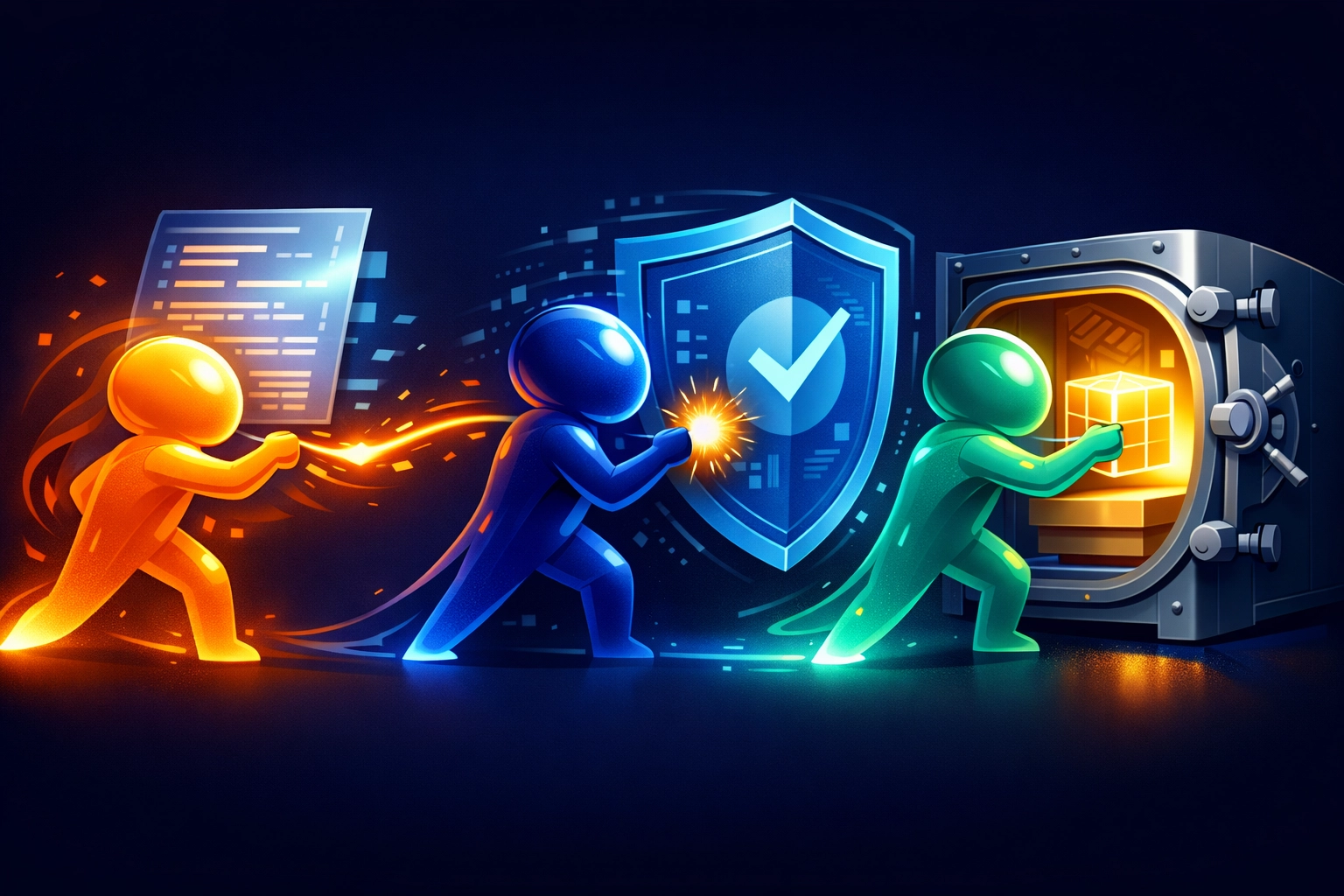
The most sophisticated applications involve "multi-agent" systems. In this model, different agents have different roles. One agent might be an expert in your company’s compliance rules, while another is an expert in your financial software. They "talk" to each other to complete a complex task.
Example Workflow:
- Agent A (The Scout): Monitors the support inbox for refund requests.
- Agent B (The Auditor): Checks the refund request against the company's SLA and the customer's purchase history.
- Agent C (The Executor): If approved, Agent C initiates the refund in the payment processor and updates the CRM.
This coordination reduces the need for "middleware" humans who spend their days moving data from one window to another.
The Strategic Roadmap: Implementing Agentic AI in 3 Phases
Implementing agentic systems requires a more structured approach than simply turning on a chatbot. Use this phase-based roadmap to ensure a high Return on Investment (ROI).
Phase 1: The Operational Audit (Days 1-30)
Identify the "High-Volume, Low-Complexity" tasks. Look for processes that have a clear set of rules but take up more than 10 hours of staff time per week.
- Map the workflow: Document every step a human takes to complete the task.
- Identify the tools: List the software (Slack, QuickBooks, Salesforce, etc.) that the AI will need to access.
- Define the Goal: Instead of "Automate billing," define it as "Reduce billing reconciliation time by 80%."
Phase 2: The Pilot and Human-in-the-Loop (Days 31-60)
Never give an AI agent full autonomy on day one. Start with a "Human-in-the-Loop" (HITL) model.
- Deploy the Agent: Let the AI perform the tasks in a sandbox or under close supervision.
- Review and Refine: Use the human-handoff feature to ensure that whenever the AI is unsure, it redirects to a staff member.
- Feedback Loops: Correct the AI’s actions. Agentic AI learns from these corrections, improving its success rate over time.
Phase 3: Autonomous Scaling (Days 61-90+)
Once the agent achieves a high accuracy rate (typically >95%), increase its permissions.
- Expand Scope: Allow the agent to handle more complex edge cases.
- Integrate with More Departments: Take the learnings from the back office and apply them to customer service automation.
- Monitor ROI: Compare the cost of the AI infrastructure against the hours saved and the reduction in error rates.

Common Pitfalls and Risk Management
While the potential is vast, poorly implemented agentic AI can create "automated chaos."
- The "Black Box" Problem: If you don't know why an AI agent made a decision, you can't fix it. Prioritize systems that provide transparent logs of their reasoning steps.
- Over-Automation: Not every process should be handled by an agent. Tasks requiring high emotional intelligence or complex ethical judgment should remain with your human team.
- Security and Permissions: AI agents require access to your systems. Implement the Principle of Least Privilege (PoLP), only give the AI the specific permissions it needs to complete its task.
The Financial Reality: Calculating ROI
When evaluating pricing, don't look at it as a software cost. Look at it as a labor cost reduction.
The Basic Formula:
(Manual Hours Saved per Month × Hourly Labor Rate) – (Monthly AI Subscription + Oversight Cost) = Monthly ROI
For most SMBs, automating just two or three core back-office processes results in a positive ROI within the first 60 days. This allows your team to focus on "high-value work", the kind of creative problem-solving and relationship-building that actually grows a business.
Implementation Checklist for Business Leaders
Before you start, ensure your organization is ready for agentic workflows:
- Clean Data: Is your company data organized, or is it scattered across unsearchable PDFs?
- API Access: Does your current software stack allow for third-party integrations (APIs)?
- Process Documentation: Do you have written Standard Operating Procedures (SOPs) for the tasks you want to automate?
- Team Buy-in: Does your staff understand that AI is there to remove the "grunt work," not replace their strategic value?
- Security Protocol: Have you defined what data the AI is not allowed to see?

FAQ: Agentic AI in the Back Office
Q: Is agentic AI the same as RPA (Robotic Process Automation)?
A: No. RPA follows rigid, pre-defined "if-this-then-that" rules. If the UI of a website changes slightly, RPA often breaks. Agentic AI uses reasoning to navigate changes and handle unstructured data that would confuse traditional RPA.
Q: Do I need a developer to set this up?
A: While complex custom agents require technical expertise, many features of modern AI platforms are designed for "low-code" or "no-code" implementation, allowing business owners to set up workflows using natural language instructions.
Q: What happens if the AI makes a mistake?
A: This is why "Human-in-the-Loop" is critical. You should always have a system where exceptions are flagged for human review. Over time, the AI learns from these exceptions to handle them correctly in the future.
The goal of Reply Botz is to bridge the gap between complex technology and practical business outcomes. By moving toward agentic systems, you aren't just installing a helpdesk; you are building a scalable, resilient back office that operates at the speed of modern commerce.
Ready to see how autonomous agents can transform your workflow? Contact us today to start your audit.