Editor’s Note: This piece was developed using AI-assisted research and drafting to ensure data precision and speed. It has been reviewed, edited, and fact-checked by Wolf Bishop to ensure it meets our standards for strategic depth and lived experience.
As a founder or office manager, your time is the most expensive resource in your company. Every hour you spend answering "What are your holiday hours?" or "How do I reset my password?" is an hour you aren't spending on product development, high-level partnerships, or scaling your marketing.
You have become the bottleneck.
To scale a small or medium-sized business (SMB) without bloating your payroll, you must transition from being a reactive operator to a proactive strategist. This requires a fundamental shift: you need to fire yourself from customer support.
By leveraging advanced Conversational AI systems, you can automate up to 80% of your common inquiries, ensure 24/7 availability, and only step in when a human touch is strictly necessary. This isn't just about "installing a chatbot"; it’s about building a defensive shield for your schedule.
Key Takeaways
- Identify the Bottleneck: If you or your core team are answering the same five questions daily, you are losing money.
- Deploy AI First: Use AI as your "Level 1" support to handle high-volume, low-complexity tasks.
- Maintain Brand Voice: Modern AI (like Reply Botz) uses NLU (Natural Language Understanding) to sound like your team, not a script.
- Hybrid Handoff is Key: Automation shouldn't be a wall; it should be a filter that passes complex issues to humans seamlessly.
- Measurable ROI: Expect up to a 70% reduction in staff workload and a 40% reduction in operational costs.
The Founder’s Trap: Why You’re Still Answering "Where's My Order?"

Most business owners fall into the "Hero Trap." You believe that because you care the most, you are the only one who can provide "perfect" support. This mindset is the primary inhibitor of growth.
When you handle support manually:
- Response times lag: You get busy, and customers wait hours for a reply.
- Consistency drops: You might give a different answer on Monday morning than you do on a Friday afternoon.
- Scale is impossible: If your sales double tomorrow, your support workload doubles, and your business breaks.
The goal is to move from Manual Support (Linear growth = Linear cost) to Automated Support (Exponential growth = Flat cost).
Phase 1: Audit Your Support Debt
Before you automate, you must understand what you are automating. Look at your last 30 days of support tickets, emails, and chats.
Categorize them into three buckets:
- The "Robot" Bucket (80%): Repetitive, factual queries. (Pricing, hours, order status, basic troubleshooting).
- The "Nuance" Bucket (15%): Semi-complex issues that require specific data or policy interpretation.
- The "Human" Bucket (5%): High-stakes issues, angry customers, or complex technical bugs that require empathy and lateral thinking.
Prioritize high-impact cases. If "Where is my order?" accounts for 30% of your volume, that is your first automation target. By connecting your store to an AI helpdesk, you can automate this immediately.
Phase 2: Deploying the AI Shield
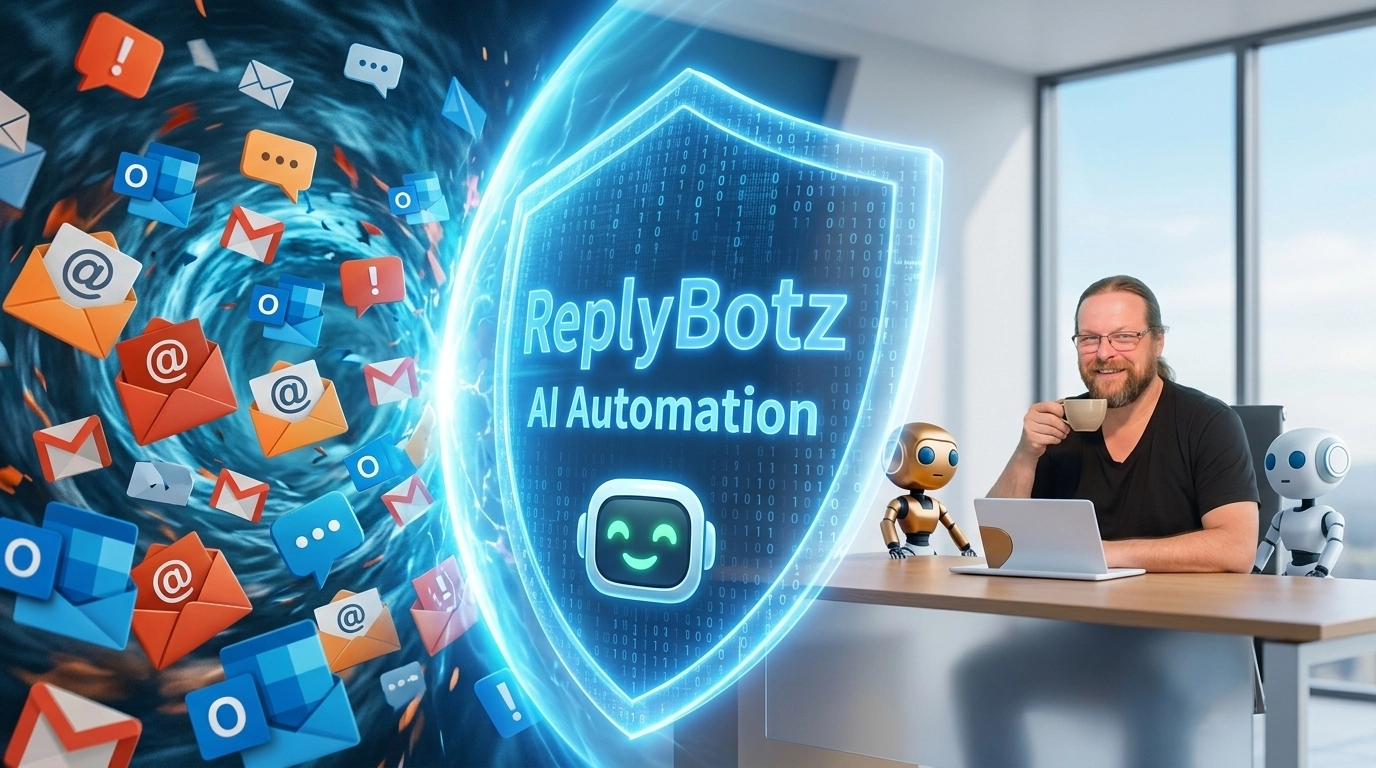
Once you’ve identified your "Robot Bucket," it’s time to deploy your first line of defense. At Reply Botz, we call this the AI Shield.
1. Training the Agent on Your Brand Voice
Unlike the "dumb" chatbots of 2015 that relied on rigid decision trees, modern conversational AI agents are trained on your unique documentation, website content, and past successful interactions.
Action Item: Upload your Knowledge Base (KB) and FAQ documents into your AI system. Use RAG (Retrieval-Augmented Generation) to ensure the AI only speaks based on the facts you provide. This prevents "hallucinations" and ensures your brand voice, whether it’s casual or corporate, is maintained.
2. Implementing Logic-Based Workflows
If a customer asks about a refund, the AI shouldn't just explain the policy; it should ask for the order number and check the status. Use If/Then logic:
- If the order is within 30 days, Then provide the return portal link.
- If the order is older than 30 days, Then explain the policy and offer a discount code for the next purchase.
Phase 3: Mastering the Hybrid Handoff
Automation fails when it becomes a "dead end." The most successful support systems are Hybrid AI-Human Helpdesks.
How the Handoff Works:
- AI intercepts: The bot attempts to solve the problem immediately.
- Sentiment analysis: If the AI detects frustration or a request for a human, it flags the conversation.
- Seamless transition: The human agent (you or your team) enters the chat. The human can see the full transcript of what the AI already said, so the customer doesn't have to repeat themselves.
This ensures you are only spending time on the 5-10% of tickets that actually require your brainpower. For everything else, the bot stays "on the clock" 24/7.
Measuring the ROI of Silence
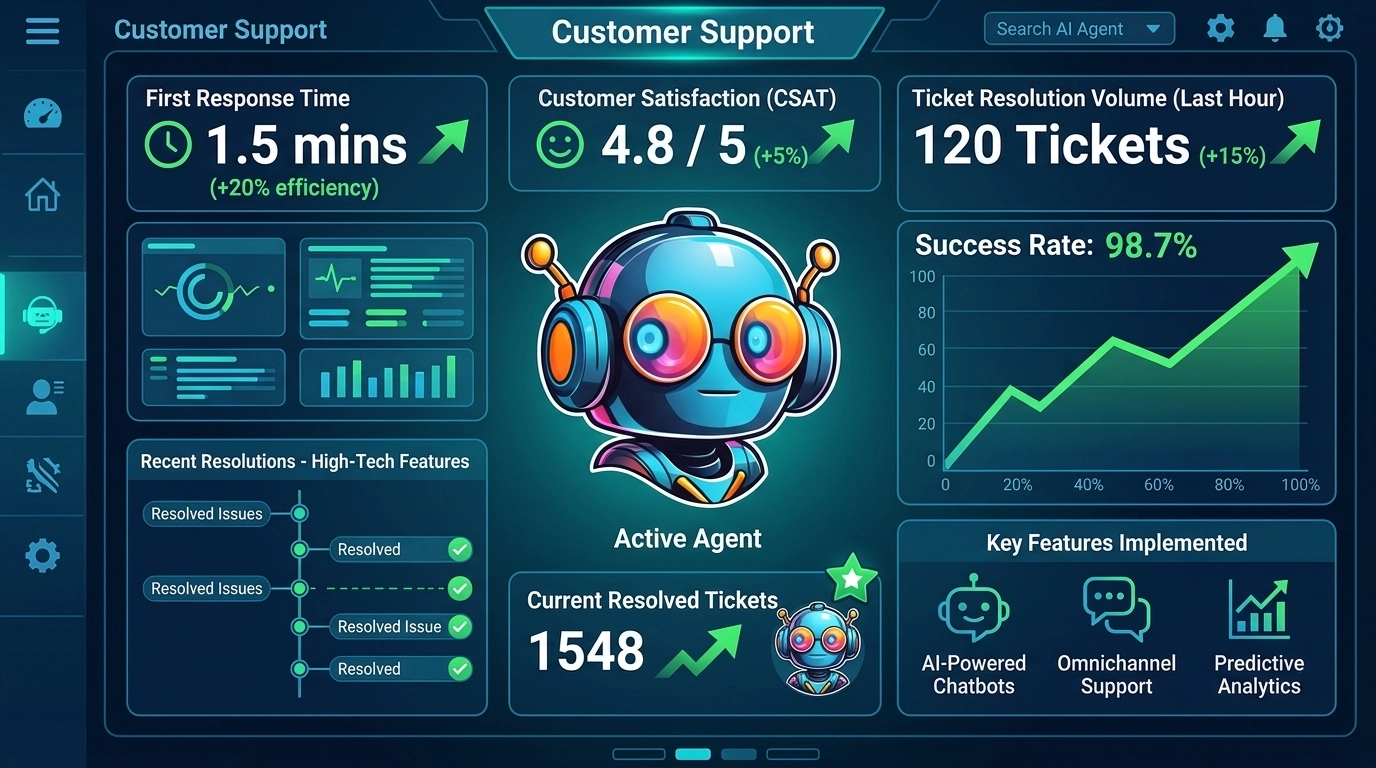
Success in automation is often measured by what doesn't happen. You are looking for the sound of silence in your inbox.
Key Metrics to Track:
- Deflection Rate: The percentage of inquiries resolved entirely by AI without human intervention. (Target: >60%).
- CSAT (Customer Satisfaction Score): Are customers happier with a fast bot than a slow human? Usually, the answer is yes.
- Average Handling Time (AHT): How quickly is a resolution reached? AI brings this down to seconds.
- Support Cost Per Ticket: Calculate your hourly rate (or your staff's) vs. the cost of an AI subscription. Most SMBs see a 40% reduction in support costs within the first 90 days.
Busting the "AI is Impersonal" Myth
Many owners fear that using AI will alienate their customers. This is a myth born from bad technology.
The Reality: Customers don't want a "relationship" when they are trying to figure out if your product is in stock; they want an answer.
- A 10-second response from an AI is infinitely more "personal" and respectful of the customer's time than a 24-hour wait for a human "hello."
- By being honest about the bot, you actually build more trust.
Your 90-Day "Fire Yourself" Roadmap
| Phase | Timeline | Primary Objective |
|---|---|---|
| Phase 1: Audit | Days 1-15 | Tag every incoming ticket. Identify the top 5 repetitive questions. |
| Phase 2: Build | Days 16-45 | Upload your KB to Reply Botz. Configure your AI Agent's tone and brand voice. |
| Phase 3: Test | Days 46-60 | Run the bot in "shadow mode" (drafting replies for you to approve) to check for accuracy. |
| Phase 4: Launch | Days 61-90 | Set the bot live for Level 1 support. Monitor the Deflection Rate and adjust logic. |
Implementation Checklist
- Audit Tickets: Identify your top 10 most common queries.
- Clean Your Documentation: Ensure your website FAQs and internal guides are up-to-date.
- Set Up Your Bot: Integrate Reply Botz with your website, Facebook, or Instagram.
- Define Handoff Rules: Decide exactly when a human should be notified (e.g., keywords like "cancel," "sue," or "manager").
- Notify Your Team: Explain that AI is here to remove the "grunt work," not replace their expertise.
- Go Live: Start with one channel (like website chat) before expanding to all.
FAQ
Q: Will the AI say things that aren't true?
A: Not if you use RAG-based systems. By limiting the AI's "source of truth" to your specific documents, you prevent it from making up facts.
Q: What if I have a very niche business?
A: Niche businesses actually benefit more from AI. The more specific your knowledge base, the more accurate the AI becomes compared to a generalist support hire.
Q: Is it hard to set up?
A: If you can write an email, you can set up a bot. Our support features are designed for business owners, not developers.
Stop being the support agent. Start being the CEO.
Ready to reclaim your calendar? Check out our 50+ AI automation ideas to see exactly how much time you're currently leaving on the table.