
The dream of the "lifestyle business" often becomes a nightmare of 3:00 AM support tickets.
As a solopreneur, you are the CEO, the marketing department, and the janitor. But most importantly, you are the frontline for every single customer complaint. This "always-on" culture is more than just exhausting; it is a structural risk to your business. In 2026, over 54% of startup founders report experiencing burnout, with a staggering 75% suffering from regular anxiety episodes.
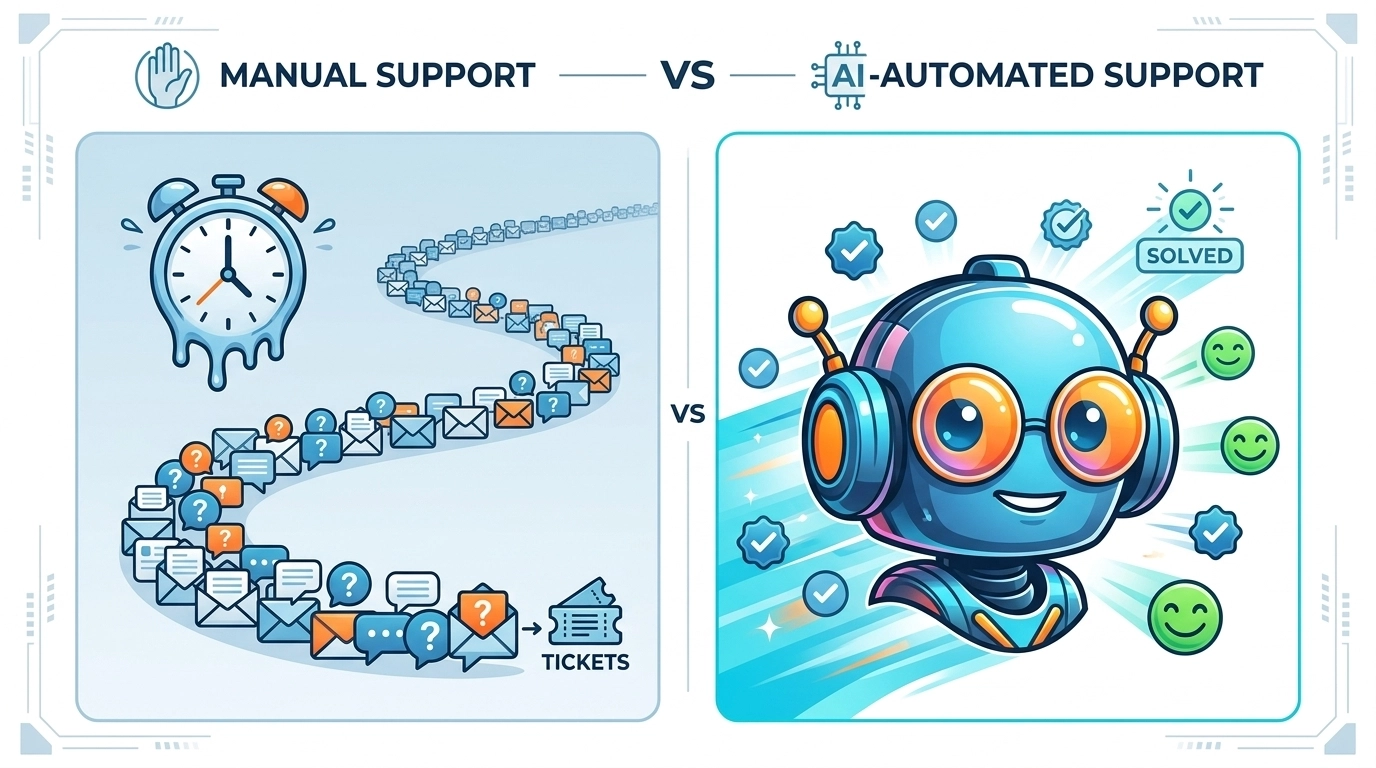
To scale without self-destructing, you must move from manual labor to strategic oversight. You need a system that functions as your digital twin, one that answers questions, solves problems, and generates leads while you are offline. This is not about "outsourcing" your brand voice; it is about automating support headaches so you can focus on the high-level work that actually moves the needle.
Key Takeaways
- Audit Before You Automate: Identify high-volume, low-complexity queries that consume 80% of your time.
- The Hybrid Advantage: Use AI for speed and humans (you) for complex, high-value empathy.
- Scalability Formula: Calculate your "Support Headache Index" to measure the financial impact of manual support.
- Deploy Fast: Transition from a 24-hour response time to a sub-30-second response time using AI chatbots for customer support.
Phase 1: Auditing the "Noise"
You cannot automate what you do not understand. Before installing any customer support software, you must categorize your current support load. Most solopreneurs suffer from "Support Drift," where they treat a simple password reset with the same cognitive energy as a high-stakes partnership inquiry.
1. Categorize Your Inbox
Audit your last 200 support tickets. You will likely find they fall into three categories:
- Transactional (60-70%): "Where is my order?" "How do I change my password?" "Is this compatible with [Tool]?"
- Educational (20%): "How do I use feature X?" "Can you show me a demo?"
- Critical/Exceptional (10%): "The site is down," "I want a refund," or custom enterprise inquiries.
2. Identify the Bottleneck
If you are spending more than two hours per day on Transactional or Educational queries, you are hitting a growth ceiling. Every minute spent explaining your pricing page is a minute not spent on product development or sales.

Phase 2: Building the AI Shield
Once you’ve identified the "Transactional Noise," it’s time to deploy your first line of defense. A modern AI + Human Helpdesk acts as a filter, resolving the easy stuff and only alerting you when a human touch is required.
Implement NLU (Natural Language Understanding)
Generic bots of the past relied on rigid "If/Then" trees. Today, you must use AI trained on your unique brand voice. This system uses Retrieval-Augmented Generation (RAG) to scan your existing documentation and provide answers that sound like you, not a robot.
Set Up the Seamless Handoff
Automation fails when it traps a customer in a loop. Prioritize high-impact cases by setting up "Handoff Triggers."
- If a customer uses words like "frustrated," "refund," or "legal," then the AI should immediately escalate the ticket to your personal dashboard and apologize for the delay.
- If the query is about a basic feature, the AI should resolve it and close the ticket instantly.
Phase 3: The Math of Reclamation
To justify the investment in automation, you must look at the ROI (Return on Investment) through the lens of your hourly value. Most solopreneurs undervalue their time. Use the formula below to calculate the cost of your "Support Headaches."
The Support Headache Index (SHI)
$$SHI = (T \times H) + (C \times L)$$
- T: Monthly hours spent on manual support.
- H: Your target hourly rate (e.g., $150/hr).
- C: Average number of customers lost due to slow response times (Churn).
- L: Lifetime Value (LTV) of a customer.
Example: If you spend 20 hours a month on support ($3,000 value) and lose just 2 customers ($500 LTV each) due to slow weekend responses, your manual support is costing you $4,000 per month.
Compare that to the Reply Botz pricing, and the decision to automate becomes a mathematical certainty, not a luxury.
Common Pitfalls and Risk Management
Even the best technology requires a strategic implementation. Avoid these common mistakes:
- Busting the Myth of "Set It and Forget It": AI requires an initial training period. Spend the first 14 days reviewing the AI’s answers and "correcting" its tone.
- The Over-Automation Trap: Do not hide your contact form. Customers trust AI more when they know a human is available as a safety net. Read our guide on why being honest about AI makes customers trust you more.
- Ignoring the Data: Your chatbot is a goldmine of market research. Use the automated logs to see what features customers are asking for most. This should drive your automated marketing workflows.
The 90-Day Implementation Roadmap
Follow this structured plan to transition from "Support Slave" to "Strategic Lead."
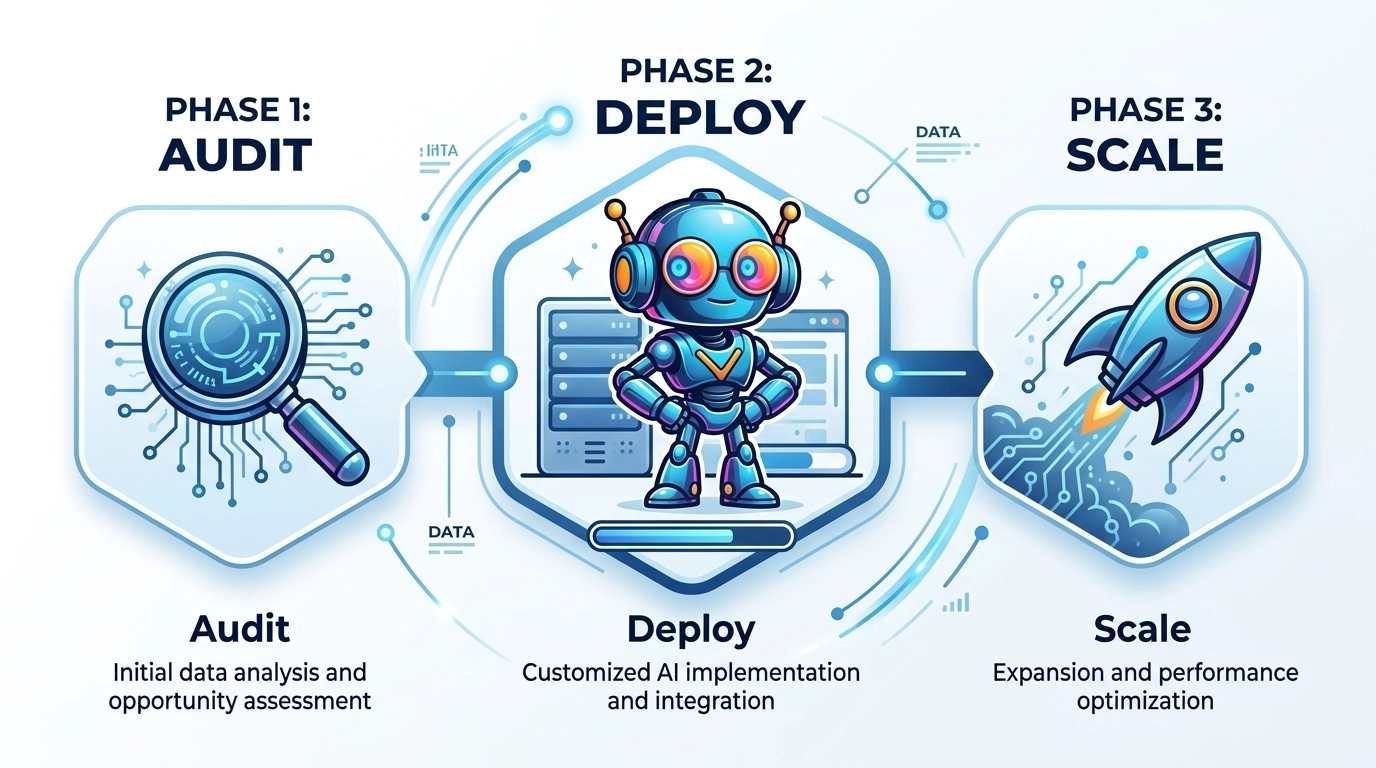
Days 1-30: The Audit & Foundation
- Log every support request in a spreadsheet.
- Update your FAQ and Knowledge Base (this is the "brain" the AI will use).
- Select your customer support software.
Days 31-60: The Training Phase
- Deploy your AI agent in "Draft Mode" (it suggests answers, you click 'Send').
- Refine the NLU (Natural Language Understanding) parameters to match your brand's wit and tone.
- Measure your CSAT (Customer Satisfaction Score) on automated vs. manual tickets.
Days 61-90: Full Automation & Scale
- Enable 24/7 autonomous responses for transactional queries.
- Set up automated lead generation flows within the chat.
- Measure success: Track your new "Sleep ROI" (hours reclaimed per week).
FAQ: Automating for Solopreneurs
Q: Will my customers hate talking to a bot?
A: Not if it works. Customers in 2026 value speed over everything else. A bot that solves a problem in 10 seconds is infinitely better than a human who responds in 10 hours.
Q: Is AI support too expensive for a one-person shop?
A: No. When you factor in the "Support Headache Index," the cost of not automating is usually 10x higher than the subscription fee for a tool like Reply Botz.
Q: What if the AI gives the wrong answer?
A: This is why "Guardrails" are essential. You can set the AI to only answer questions it is 95% confident about. Anything else gets routed to you for a manual check.
Implementation Checklist
- Define your "Brand Voice": Casual? Professional? Witty?
- Clean your Knowledge Base: Delete outdated articles.
- Set your "Escape Hatch": Ensure every customer can request a human if needed.
- Integrate with your CRM: Make sure support data syncs with your sales tools.
- Go Live: Start with one channel (e.g., website chat) before expanding to email or SMS.
Editor’s Note: This piece was developed using AI-assisted research and drafting to ensure data precision and speed. It has been reviewed, edited, and fact-checked by Wolf Bishop to ensure it meets our standards for strategic depth and lived experience.
Ready to reclaim your nights and scale your business without the burnout? Explore how Reply Botz can turn your support headaches into a competitive advantage.