
For most office managers and small business owners, customer support often feels like an endless game of "Whack-A-Mole." As your business scales, the volume of repetitive questions: "Where is my order?" "What are your hours?" "How do I reset my password?": grows exponentially, consuming hours of manual labor that could be spent on high-impact growth tasks.
You don't need a degree in computer science or a team of expensive developers to fix this. Modern customer support software and AI helpdesks have evolved into "no-code" platforms, allowing you to build sophisticated automation workflows using simple logic.
Key Takeaways
- Audit First, Automate Second: Identify the 20% of questions that cause 80% of your support volume.
- Prioritize Low-Complexity Tasks: Start with order tracking, FAQs, and appointment scheduling.
- Human-in-the-Loop is Critical: Always ensure a seamless handoff to a human agent for complex or high-emotion issues.
- Measure Success Early: Focus on Resolution Rate and CSAT (Customer Satisfaction Score) as your primary North Star metrics.
- Start Small: Launch a pilot on one channel (e.g., website chat) before expanding to email or social media.
Phase 1: The Audit – Mapping Your Current Support Landscape
Before you touch a single piece of software, you must understand your current data. You cannot automate what you haven't measured. For the next seven days, tag every incoming support request.
1. Categorize Your Inbound Traffic
Create a simple spreadsheet or use your existing CRM to categorize tickets into three buckets:
- Tier 1 (Informational): Repetitive questions with fixed answers (e.g., shipping rates, return policies).
- Tier 2 (Transactional): Requests requiring data lookup (e.g., "Check my order status," "Update my address").
- Tier 3 (Complex/Empathetic): Issues requiring human judgment, technical troubleshooting, or emotional intelligence.
2. Identify the Bottlenecks
Analyze your SLA (Service Level Agreement) compliance. Where are you slowest? If Tier 1 questions are clogging your queue and delaying responses to high-value Tier 3 clients, that is your primary automation target.
Goal: Automate at least 70% of Tier 1 and 50% of Tier 2 requests within the first 90 days.
Phase 2: Design the Logic – Building Your Workflow
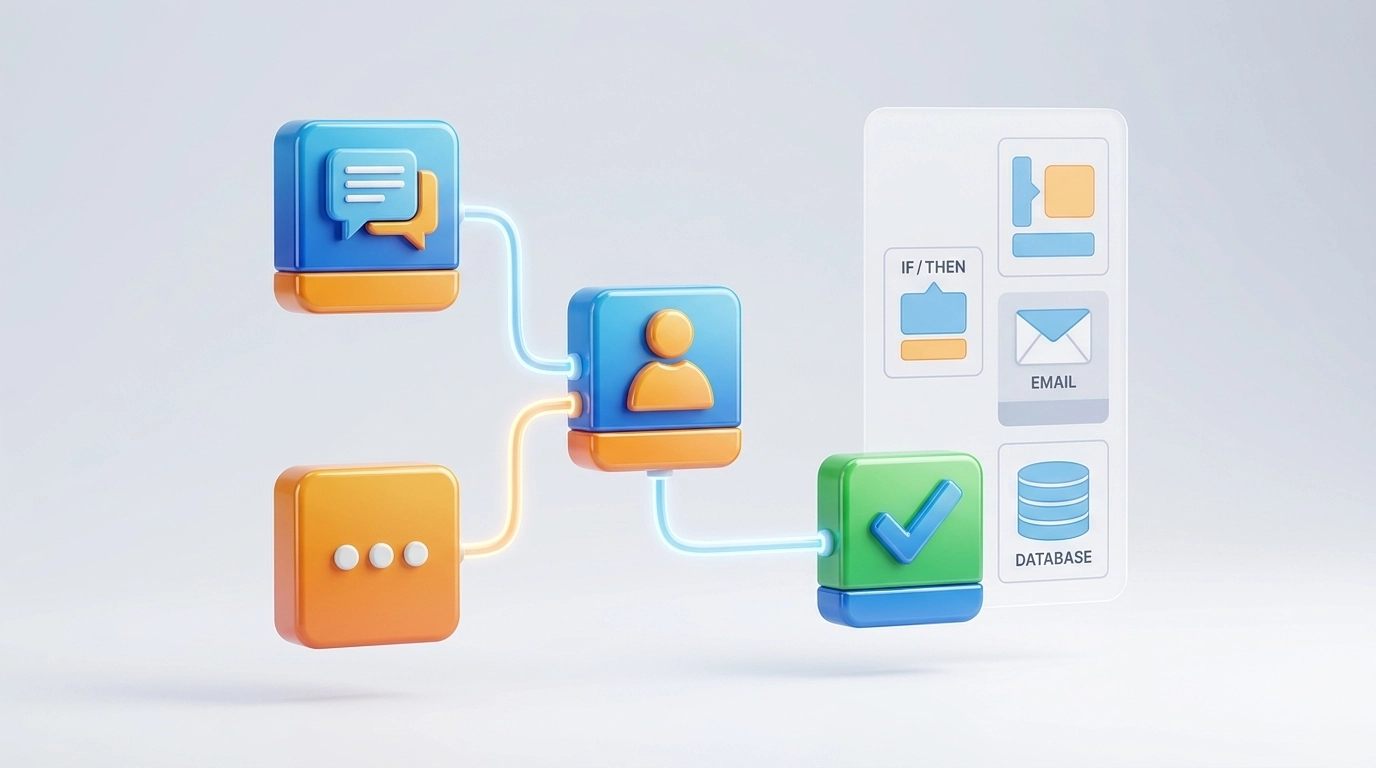
Building a workflow is simply a series of "If/Then" statements. You are essentially creating a digital instruction manual for your AI helpdesk.
The "Triaging" Workflow
When a customer reaches out, your system should follow this logic:
- Identify Intent: Use NLU (Natural Language Understanding) to determine what the customer wants.
- Verify Identity: If the request is transactional, ask for an order number or email.
- Execute Action: Provide the answer or pull data from your integrated systems.
- Confirm Resolution: Ask, "Did this answer your question?"
Implementation Tip: The "Always Open" Knowledge Base
Your automation is only as good as the information it can access. Before launching, ensure your Knowledge Base is up to date. An AI agent trained on a clean, organized knowledge base will provide significantly more accurate responses than one guessing based on outdated PDFs.
Phase 3: The Hybrid Model – Mastering the Human Handoff
The biggest mistake small businesses make is "Ghosting" the customer. This occurs when an automated system cannot answer a question and offers no path to a human. This destroys CSAT and erodes trust.
Establishing Handoff Triggers
You must define specific triggers that immediately move a conversation from an AI agent to a human team member:
- Sentiment Detection: If the customer uses words indicating frustration or anger.
- Repeat Failure: If the AI fails to answer the same question twice.
- High-Value Keywords: Requests involving "Refund," "Cancel," or "Manager."
At Reply Botz, we utilize a hybrid system where our AI handles the heavy lifting, but a human is always one click away. This ensures your customers never feel "trapped" by a machine.

Phase 4: Measuring Success and ROI
"Efficiency" is a nice word, but as an office manager, you need to prove ROI (Return on Investment). Focus on these three metrics:
- Deflection Rate: The percentage of tickets handled entirely by AI without human intervention. (Target: 60-80% for Tier 1).
- First Response Time (FRT): With automation, your FRT should drop to seconds.
- Cost Per Ticket: Calculate your hourly staff rate vs. the monthly cost of your AI helpdesk subscription. Most businesses see a reduction in support costs of over 30% in the first quarter.
Common Pitfalls and Risk Management
Even the best customer support software can fail if implemented incorrectly. Avoid these strategic errors:
- The "Uncanny Valley": Don't try to trick customers into thinking your bot is a human. It's unethical and backfires when the bot makes a mistake. Be transparent about your AI's role. See our guide on The "Bot" Disclosure for best practices.
- Over-Automation: Do not automate complex technical troubleshooting. If a process has more than five "If" branches, it likely requires a human.
- Set it and Forget it: Customer behavior changes. Review your bot’s "Unanswered Questions" log weekly to refine its training.
Your 90-Day Implementation Roadmap
| Phase | Timeline | Primary Objective |
|---|---|---|
| Audit | Days 1-14 | Categorize ticket volume and identify top 5 FAQs. |
| Build | Days 15-45 | Draft responses and connect AI to your Knowledge Base. |
| Pilot | Days 46-60 | Launch on one low-risk channel (e.g., website footer). |
| Iterate | Days 61-90 | Refine logic based on real customer feedback and scale. |
Implementation Checklist for Office Managers
- Step 1: Export last month’s support tickets to a CSV file.
- Step 2: Identify the top 10 most common questions.
- Step 3: Draft clear, concise answers for these questions (under 100 words each).
- Step 4: Select a no-code customer support software that integrates with your current CRM.
- Step 5: Set up your "Human Handoff" alerts via Slack, Email, or SMS.
- Step 6: Launch a "Soft Opening" and test the bot yourself as a customer.
FAQ: Customer Service Automation
Does AI automation mean I have to fire my support staff?
Absolutely not. Automation is about augmentation, not replacement. By removing the repetitive "Tier 1" tasks, your staff can focus on high-value activities like proactive customer success, complex problem solving, and building long-term relationships that drive revenue.
How do I know if my knowledge base is "AI-ready"?
An AI-ready knowledge base consists of clear headlines, bulleted lists, and specific answers. If your current help docs are long, rambling paragraphs, the AI will struggle to extract the correct answer. Clean your data before you connect your bot.
What if the AI gives a wrong answer?
This is why transparency and handoffs are vital. Ensure your bot includes a disclaimer or a "Talk to a Human" button in every response. Most modern systems also allow you to "Correction Train" the bot: if it gives a wrong answer once, you correct it, and it never makes that specific mistake again.
Is this expensive for a small business?
Compared to the cost of a full-time hire (salary, benefits, training), AI customer support is a fraction of the cost. Most systems pay for themselves within the first month by saving hours of manual labor.
Ready to take the first step toward a more efficient office? Contact the Reply Botz team today to see how we can automate your specific workflow.
Editor’s Note: This piece was developed using AI-assisted research and drafting to ensure data precision and speed. It has been reviewed, edited, and fact-checked by Wolf Bishop to ensure it meets our standards for strategic depth and lived experience.