
The rise of generative AI has created a double-edged sword for the modern enterprise. While productivity is skyrocketing, a new, invisible risk has emerged: Shadow AI. This refers to the use of artificial intelligence tools by employees without the explicit knowledge or approval of the IT or security departments.
For small to medium-sized businesses (SMBs), the speed of AI adoption often outpaces the development of governance frameworks. If you think your team isn't using AI just because you haven't "rolled it out" yet, you are likely mistaken. Research indicates that over 37% of employees are already using generative AI tools behind the scenes to streamline their workflows.
Key Takeaways
- Shadow AI is inevitable: Employees will seek out efficiency tools regardless of official policy.
- Data leakage is the primary risk: Public AI models can ingest your sensitive IP and PII, potentially exposing it to competitors.
- Integration gaps hurt ROI: Unsanctioned tools create data silos that hinder long-term scalability.
- Centralization is the solution: Moving from fragmented "Shadow" use to a sanctioned platform like Reply Botz ensures security and brand consistency.
1. Ignoring the "Invisible" Adoption Rate
The first mistake is believing that a lack of an official AI strategy means AI isn't being used in your office. Your copywriters are using personal ChatGPT accounts to draft blogs. Your developers are using unauthorized browser extensions for code completion. Your customer support reps are using unvetted tools to summarize tickets.
Start with an audit. You cannot manage what you cannot see. Use network monitoring and employee surveys to understand which tools are currently in the "shadows." Ignoring this invisible adoption doesn't protect your company; it simply leaves you blind to the data leaving your perimeter.
2. Failing to Define an AI Acceptable Use Policy (AUP)
Many businesses operate in a "gray zone" where AI use isn't strictly forbidden, but it isn't explicitly permitted either. This lack of clarity is a recipe for disaster. Without a clear Acceptable Use Policy (AUP), employees are left to make their own judgments about what information is safe to share with an AI.
Draft a strict hierarchy of data. Categorize your information into public, internal, and highly confidential. Explicitly forbid the input of any "Highly Confidential" data, such as customer PII (Personally Identifiable Information) or trade secrets, into any AI tool that does not have an enterprise-grade privacy agreement.

3. Leaking PII and IP through Public Models
When an employee pastes a customer’s email or a proprietary product roadmap into a public-facing AI, that data can be used to train future iterations of the model. This is one of the most significant customer service problems and security risks today.
Prioritize data residency and privacy. If you are using AI for business, you must ensure you are using tools with Zero Data Retention policies or those that operate within a "walled garden" (RAG – Retrieval-Augmented Generation). For example, a managed AI helpdesk ensures that your customer data stays within your controlled ecosystem rather than feeding a global model.
4. Creating Data Silos and Integration Gaps
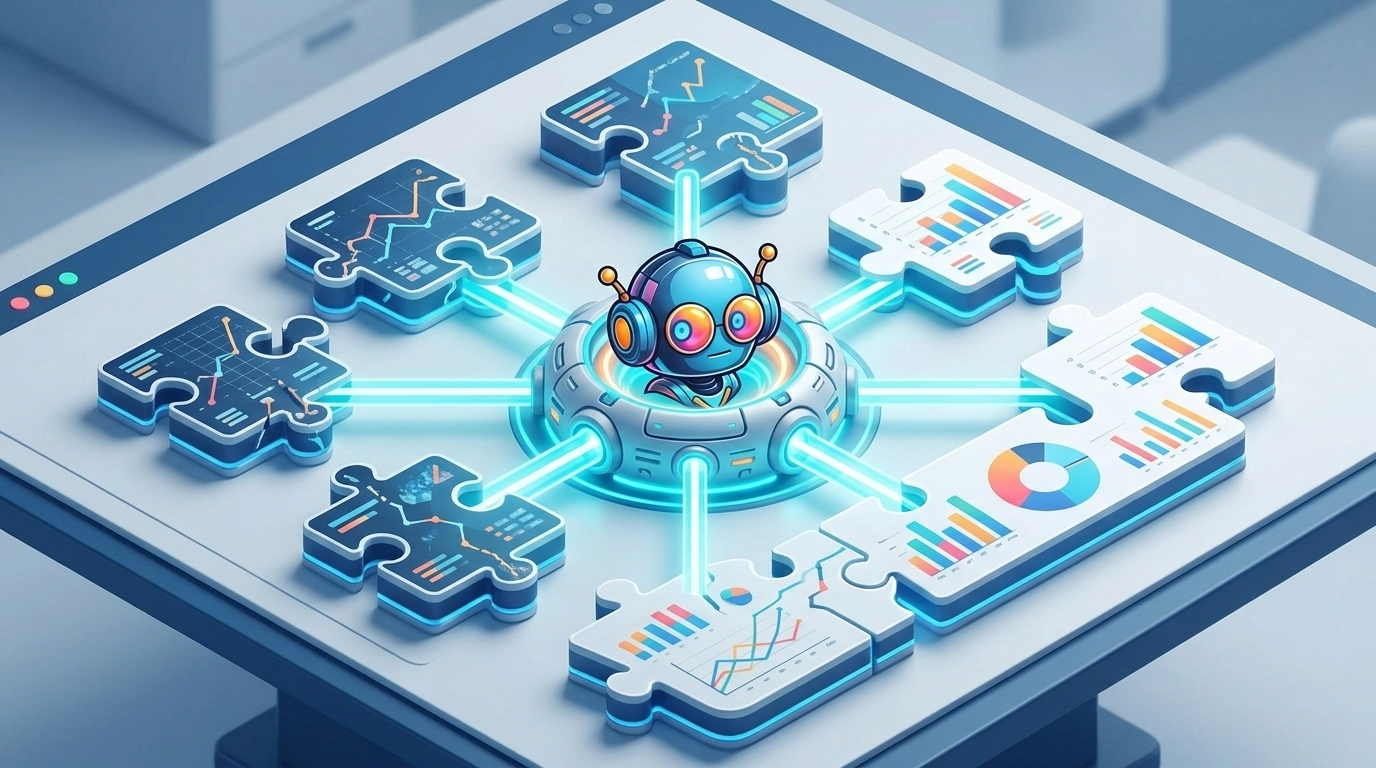
Shadow AI tools are almost always "islands." They don't connect to your CRM, your project management software, or your internal knowledge base. This creates a massive Integration Gap. When your marketing team uses one AI for copy and your support team uses another for replies, the data remains fragmented.
Demand interoperability. The goal of ai automation for business should be a unified flow of information. When you use a centralized system like the Reply Botz Marketing Suite, every interaction feeds back into a single source of truth, improving your CSAT (Customer Satisfaction Score) and providing better lead attribution.
5. Neglecting Prompt Engineering Standards
In a Shadow AI environment, every employee is their own "Prompt Engineer." This leads to inconsistent outputs. One support rep might use a prompt that sounds professional and empathetic, while another uses one that is overly robotic or technically inaccurate.
Standardize your brand voice. Inconsistency is the enemy of trust. You’ve likely read our guide on The "Bot" Disclosure; being honest about AI is the first step, but being consistent is the second. Use templates and global prompt libraries to ensure that every AI-generated response aligns with your brand’s NLU (Natural Language Understanding) goals.
6. Falling into the "Vetting Lag" Trap
Employees turn to Shadow AI because official procurement is too slow. If it takes six months for IT to approve a new tool, your team will find a workaround in six minutes.
Implement a fast-track approval process. Create a "Sandboxed" environment where employees can test new tools under supervision. By reducing the friction of adoption, you encourage employees to bring their tools into the light rather than hiding them.

7. Failing to Monitor ROI and Performance
The final mistake is treating Shadow AI as a "free" productivity boost. In reality, it can be incredibly costly. You lose money on redundant personal subscriptions, and you face potential legal fees from IP contamination. Furthermore, without tracking, you have no way to measure the actual ROI (Return on Investment) of these tools.
Measure success through metrics. Are these tools actually reducing staff workload? Are they driving revenue? By moving to a sanctioned platform, you can track SLA (Service Level Agreement) performance and ensure that AI is actually helping your business scale, rather than just acting as a digital band-aid.
The 90-Day Roadmap to Sanctioned AI
To move from the chaos of Shadow AI to a controlled, high-performance environment, follow this three-phase plan.
Phase 1: Discovery (Days 1–30)
- Conduct an Audit: Use software like "Shadow IT" discovery tools to see what AI domains are being accessed.
- Survey Your Team: Ask employees what tools they use and, more importantly, why they use them. What gap are they trying to fill?
Phase 2: Governance (Days 31–60)
- Establish the AUP: Publish your Acceptable Use Policy.
- Select a Centralized Platform: Transition teams from personal ChatGPT accounts to a professional, brand-trained system like Reply Botz.
- Set Up Training: Teach your team about PII protection and proper prompt structures.
Phase 3: Scaling (Days 61–90)
- Automate Workflows: Integrate your AI agents with your CRM and helpdesk.
- Review Metrics: Audit your first 30 days of centralized data. Check your CSAT and response times.
- Iterate: Refine your prompts and knowledge base based on real-world performance.
FAQ: Managing AI Risks
Q: Should I just ban all AI tools to be safe?
A: No. A total ban is impossible to enforce and will lead to your best employees leaving for more innovative companies. Educate and enable rather than forbid.
Q: How do I know if an AI tool is "safe"?
A: Look for SOC 2 compliance, GDPR/CCPA alignment, and explicit statements that your data is not used for training their base models.
Q: Can Shadow AI affect my SEO?
A: Yes. If employees are using unvetted AI to churn out low-quality, repetitive content, Google’s algorithms may flag your site for "spammy" behavior. Quality control is essential.
Implementation Checklist
- Identify the top 3 AI tools currently used by your team.
- Verify if these tools have "Zero Data Retention" options.
- Draft an AI Acceptable Use Policy (AUP).
- Schedule a demo with a sanctioned AI partner to centralize operations.
- Establish a quarterly "AI Audit" to catch new shadow tools early.
By taking these steps, you transform AI from a hidden liability into a strategic asset. Don't let your business grow in the shadows: bring your AI into the light with a structured, professional approach.

Editor’s Note: This piece was developed using AI-assisted research and drafting to ensure data precision and speed. It has been reviewed, edited, and fact-checked by Wolf Bishop to ensure it meets our standards for strategic depth and lived experience.